
Workflows
Follow the work from team to team
See what carries from a CRM deal to a sales invoice, and how a purchase order becomes a goods receipt and a supplier invoice.
01Opportunity to payment
Sales: from opportunity to invoice.
An opportunity becomes a quotation, an order, a shipment and an invoice on the same record.
Step 01 / 06
Deal and customer
The deal's value, stage, probability and expected close are kept on the customer record.
Carried to the next step
- Customer
- Deal value
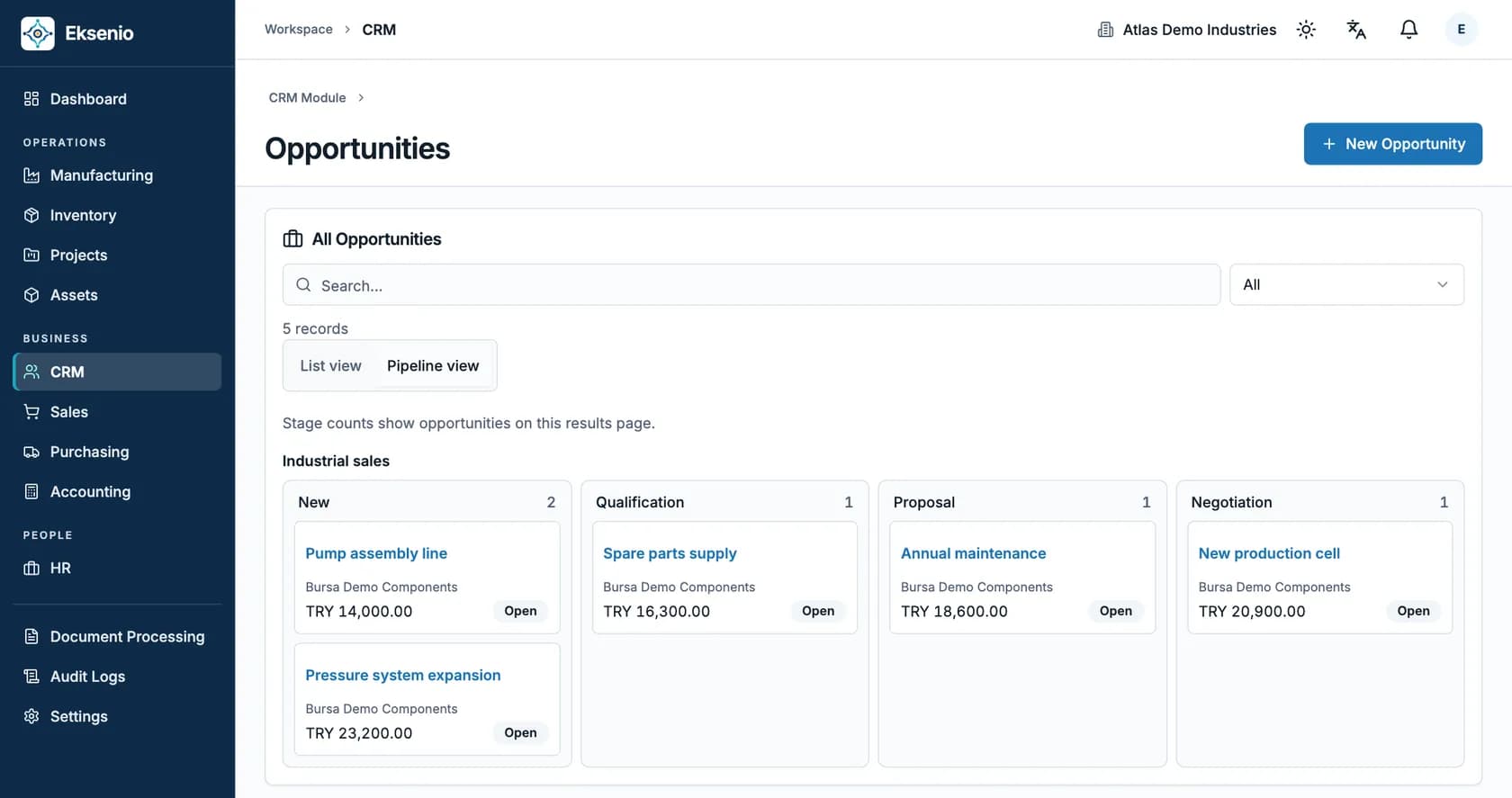
Accounting integration is enabled per company; from its start date, sales invoices and customer payments are posted to the journal. Earlier documents are not posted retroactively.
02Order to payment
Purchasing: from order to supplier payment.
Purchasing moves forward with approval; the received quantity and the supplier invoice are matched to the order.
Step 01 / 05
Purchase order
An order is created with the supplier, products, quantities and expected delivery date.
Carried to the next step
- Supplier
- Product and quantity
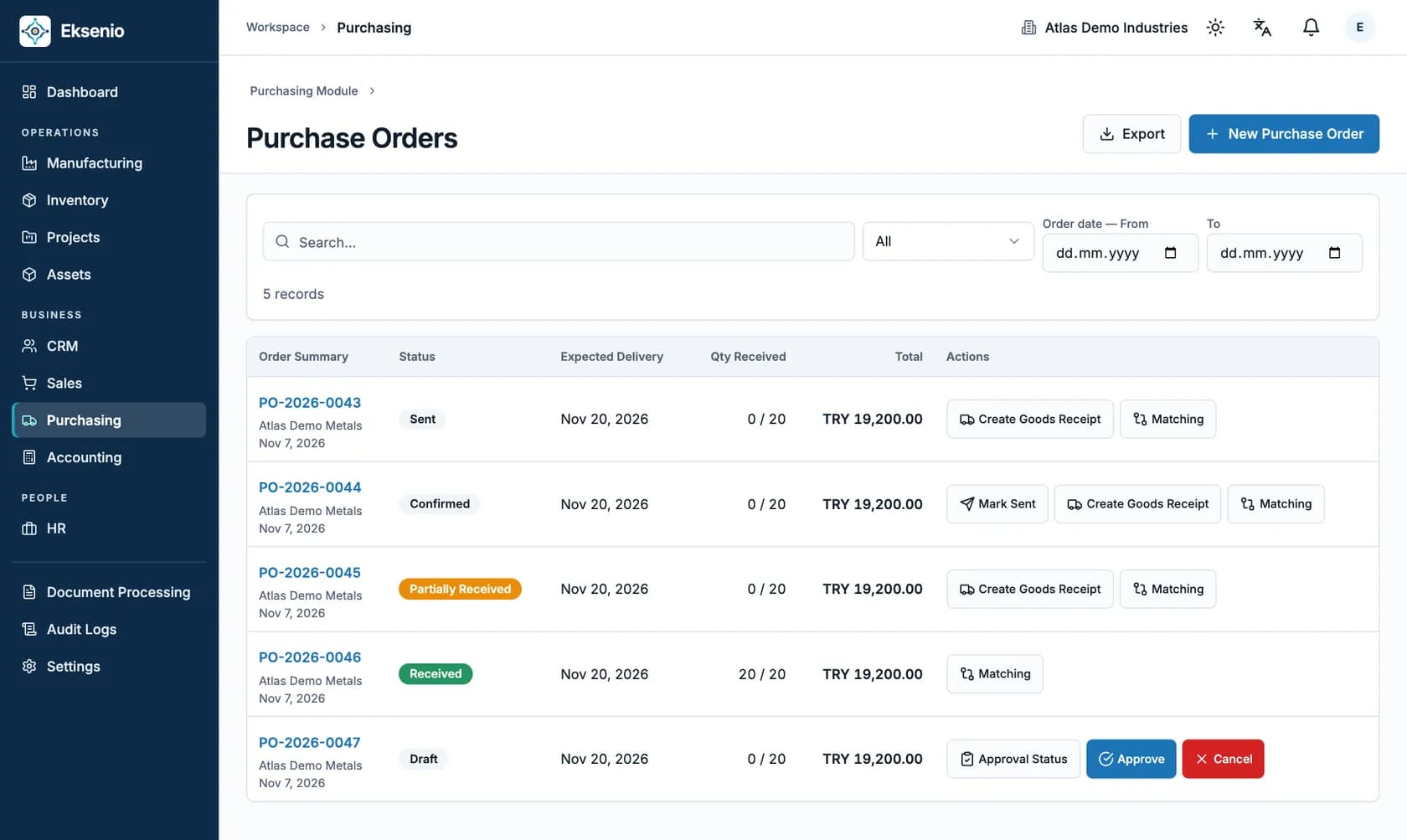
Matching, approval and payment steps follow role permissions; every action is tracked in the audit log.
03Material to finished stock
Manufacturing: from receipt to completion.
Follow materials into stock, through a production order, and out as finished goods.
Step 01 / 04
Receive purchased materials
Record what the supplier delivered against the purchase order. The goods receipt increases on-hand stock at the receiving location.
Records to follow
- Purchase order
- Received quantity
- Stock location
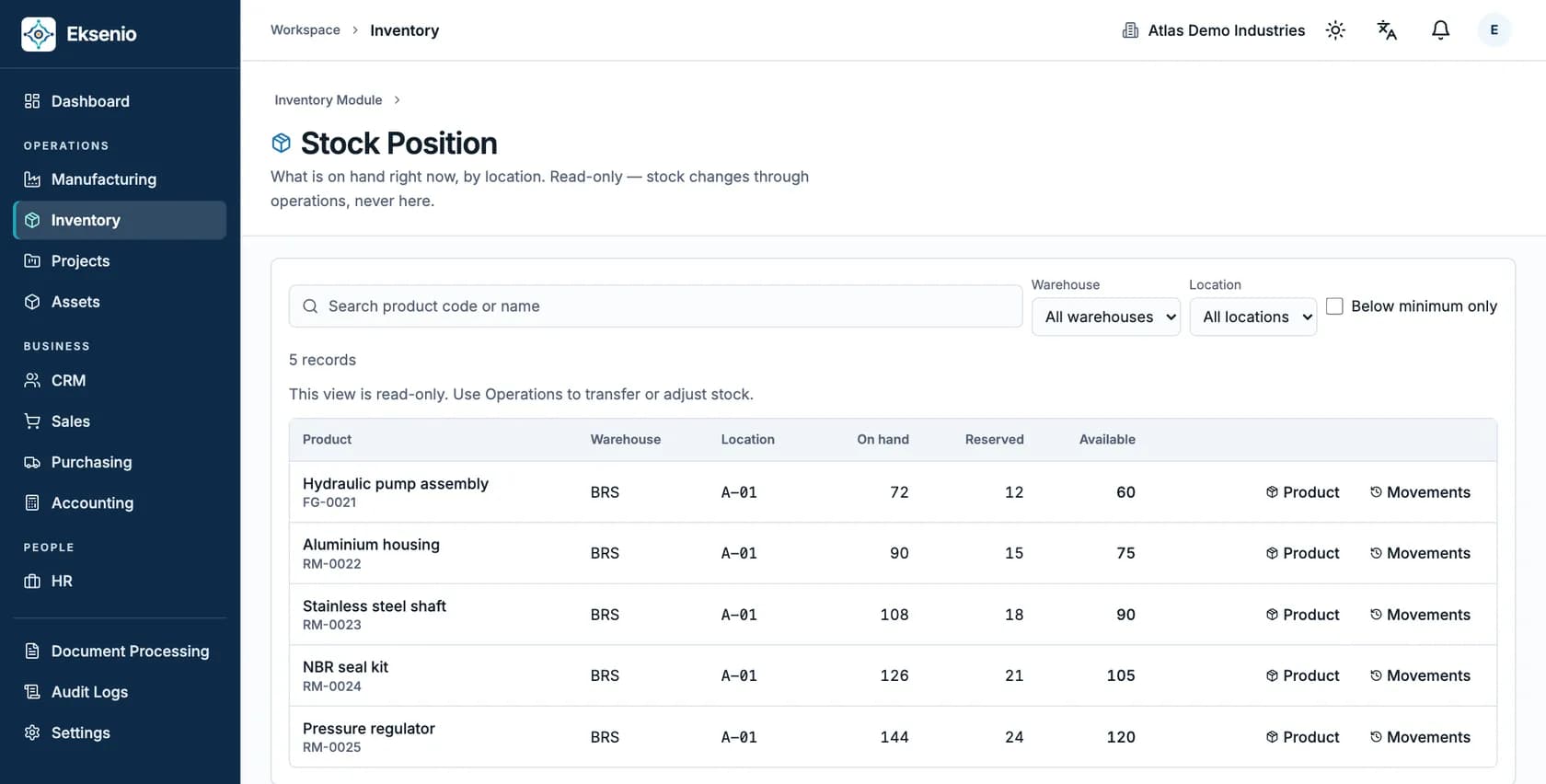
Screens show synthetic demo data. The workflow reflects actual material cost; recorded labor time does not feed product cost.
04Principles
Four rules of a connected flow.
Entered once
Lines move from quotation to order and from order to invoice; nobody types them again.
Stays traceable
Every invoice line is linked to its source order line, so you can see where an amount came from.
Moves under control
Approval policies, cancellations, returns and reversals are separate, traceable actions.
Becomes visible
Delays and open work are listed on the dashboard, each linked to its record.
See your own flow in Eksenio.
Let's model your sales and purchasing processes step by step in a demo.