What can you manage with Eksenio?
The modules below can be used together or independently, based on your company configuration. Every screen here is a real capture from Eksenio's live interface; the data is synthetic demo content.
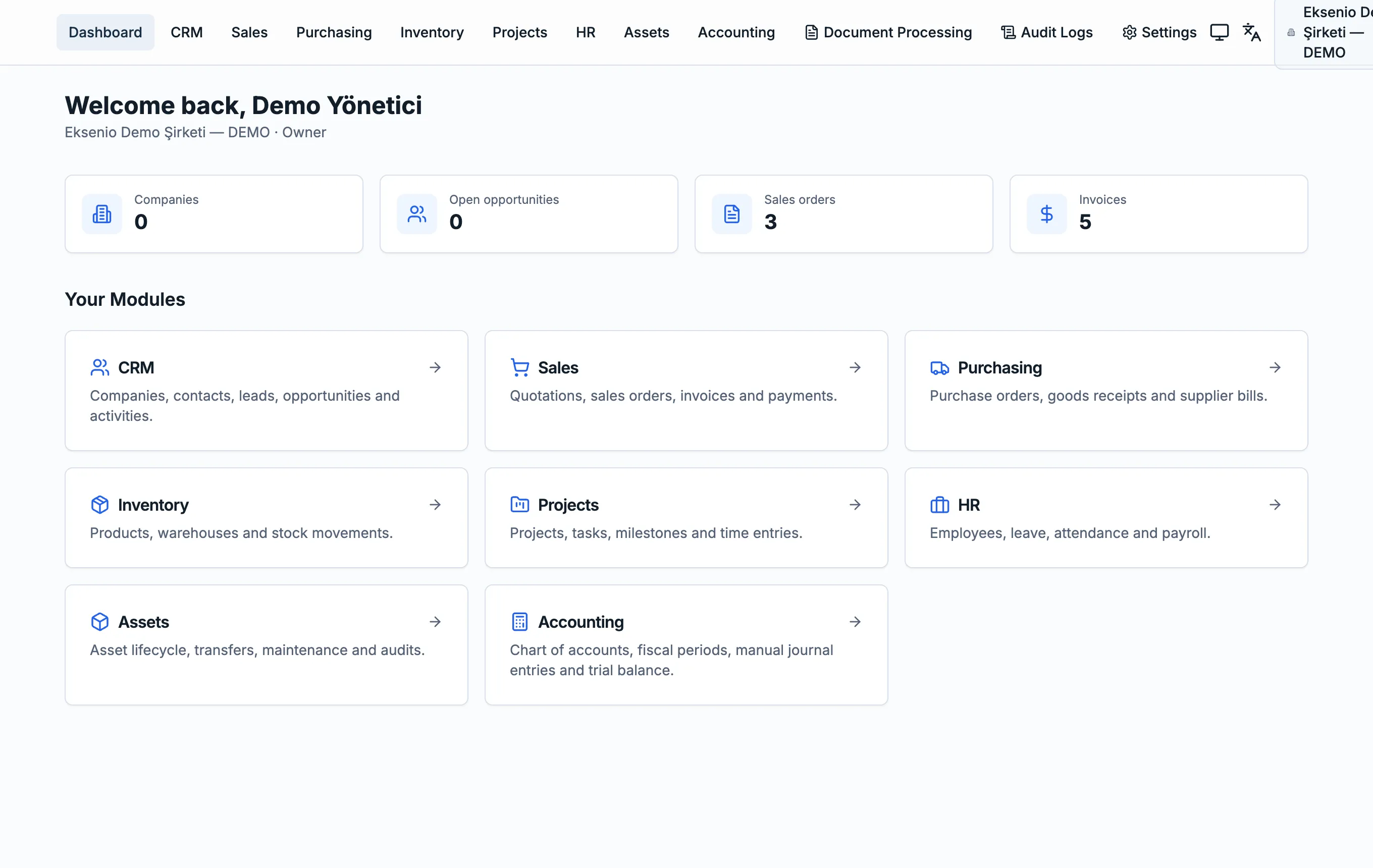
Your whole business, one screen
See sales, purchasing and finance metrics the moment you log in.
- • Open opportunities, sales orders and invoice counts are visible instantly.
- • One-click shortcut cards for every module.
- • The active company and your role always show in the top bar.
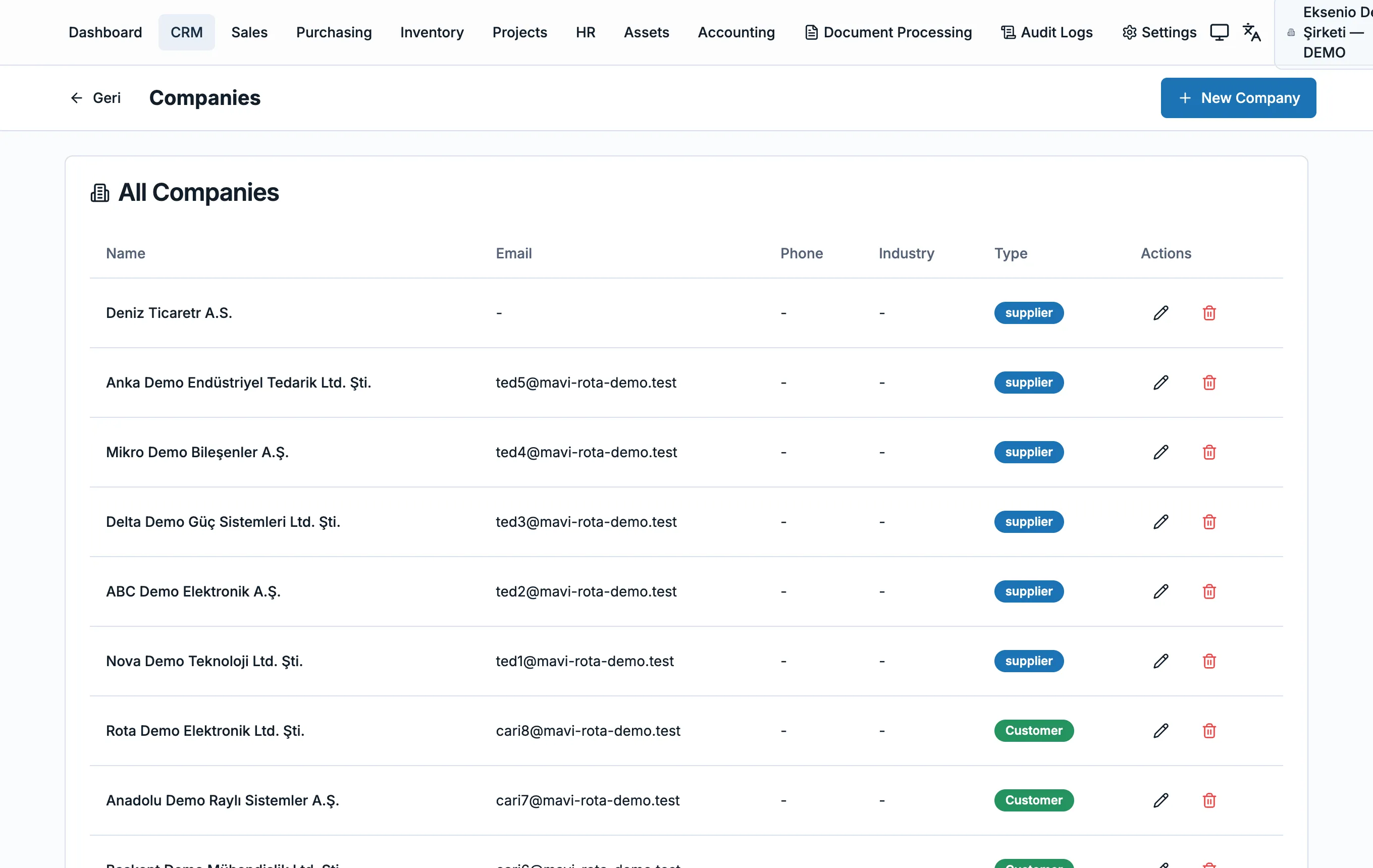
Customer and supplier relationships
Manage companies, contacts and opportunities in one list.
- • Customer and supplier records are separated by type tags.
- • Contacts, leads and opportunities live in the same module.
- • Every record connects into sales and purchasing.
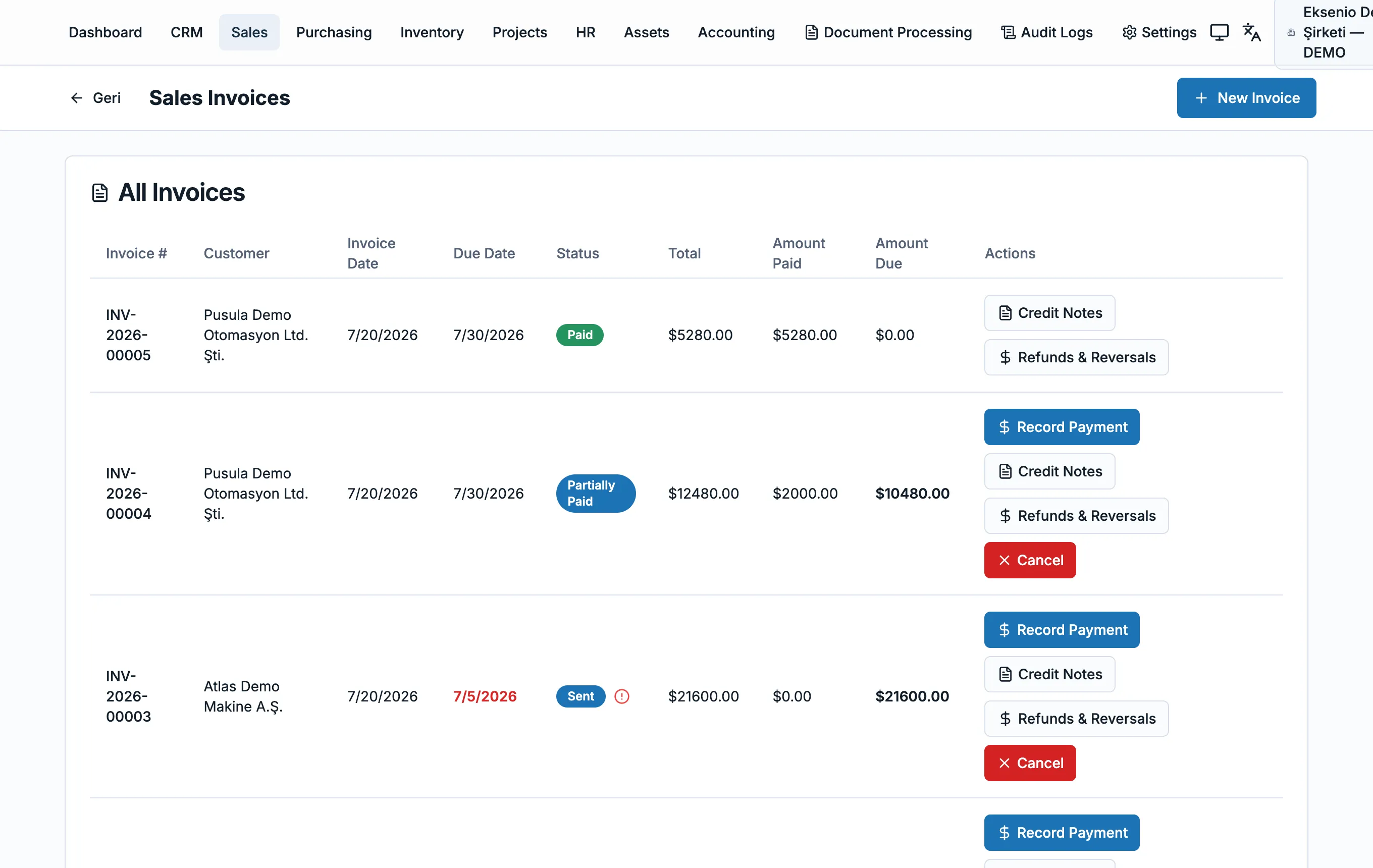
From quote to collection
Track invoices, amounts and payment status on one screen.
- • Invoice number, customer, due date and balance in one row.
- • Paid, partially paid and sent statuses are color-coded.
- • Credit notes and payments stay linked to the invoice.
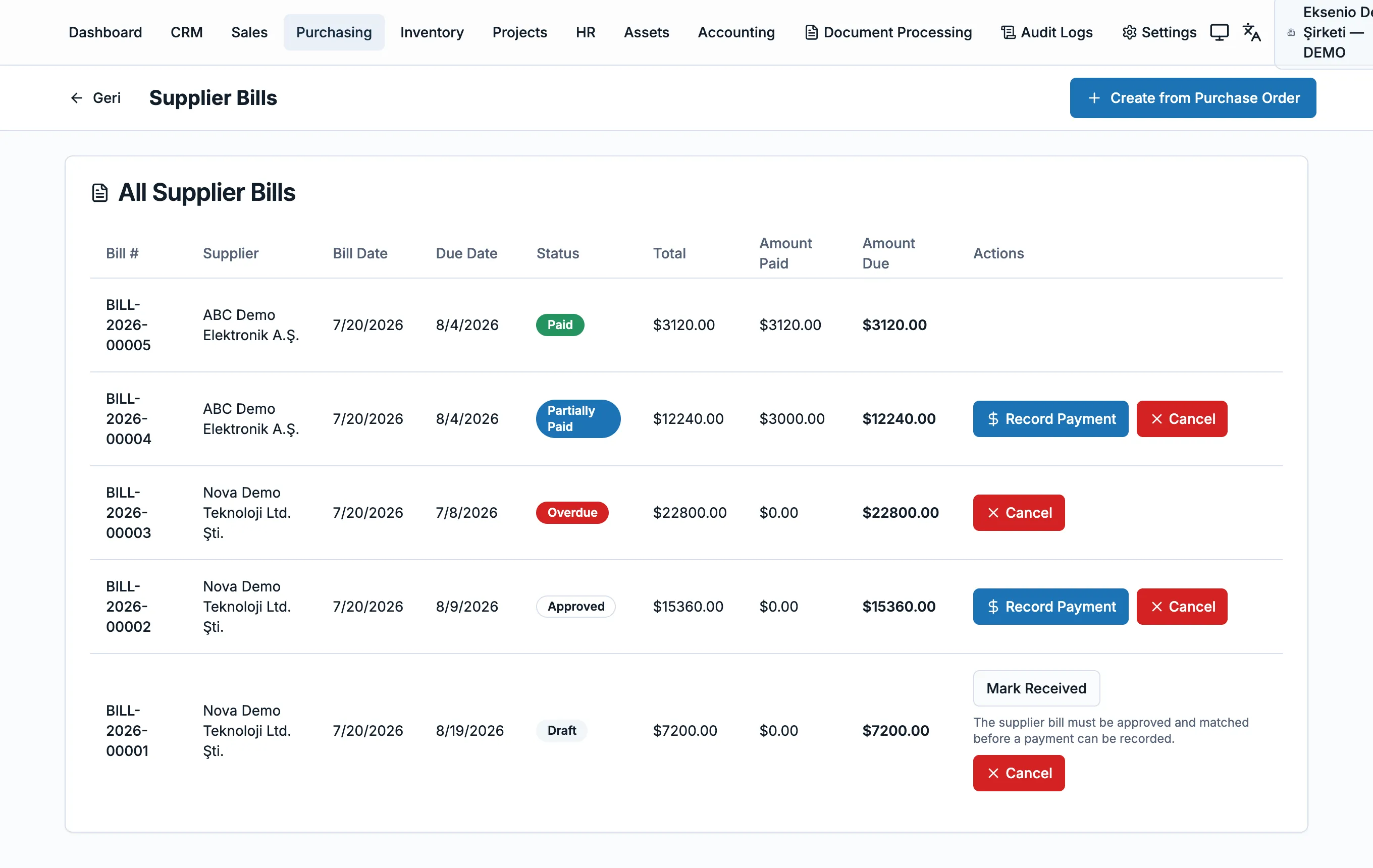
From procurement to payment
Track supplier bills by due date and payment status.
- • Create a supplier bill directly from a purchase order.
- • Overdue and partially paid bills surface first.
- • Approval and matching are required before payment.
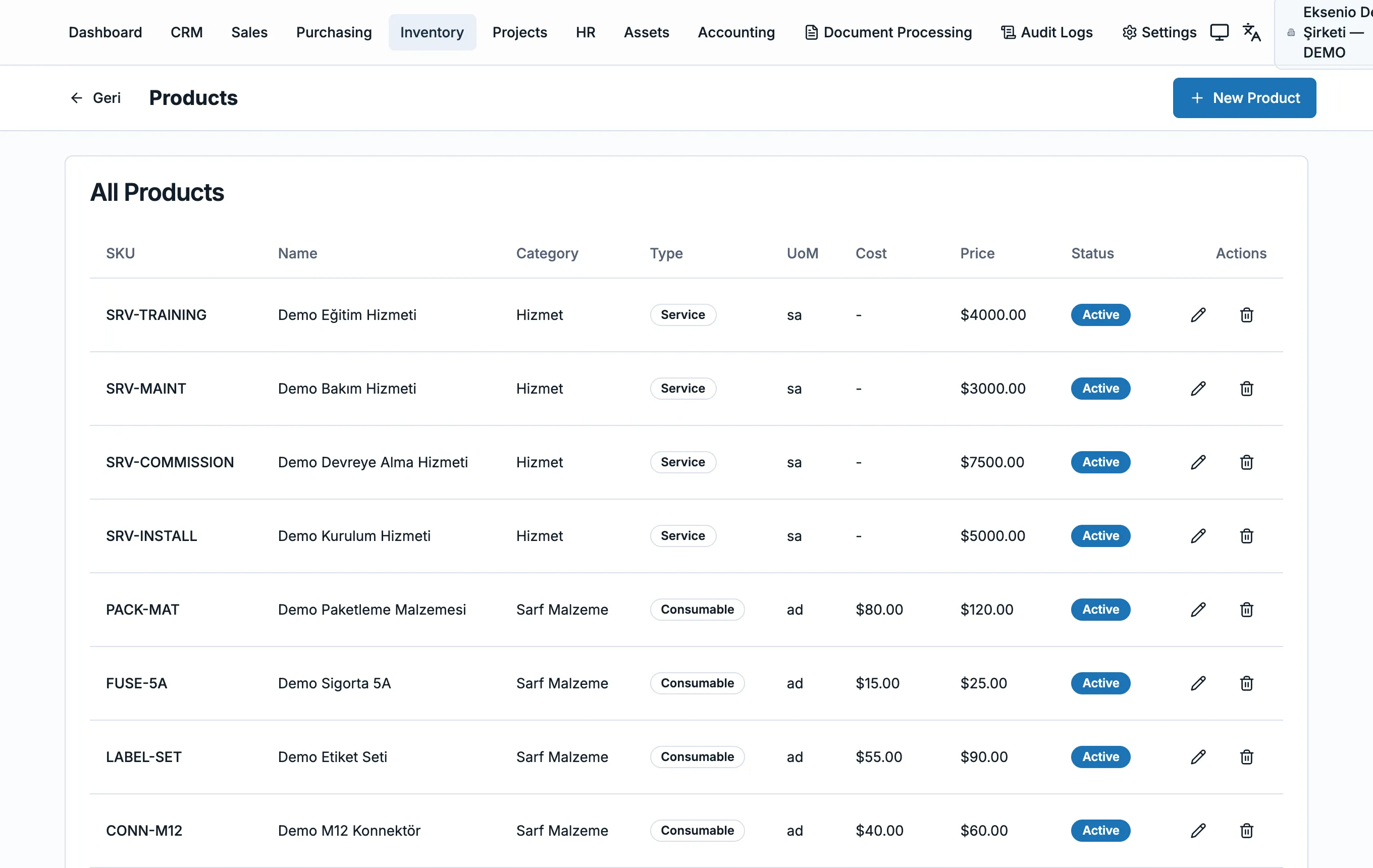
Products, cost and stock
Manage products by code, category, cost and price.
- • Service and consumable item types are separated.
- • SKU, unit of measure, cost and sale price in one place.
- • Stock movements stay linked to sales and purchasing.
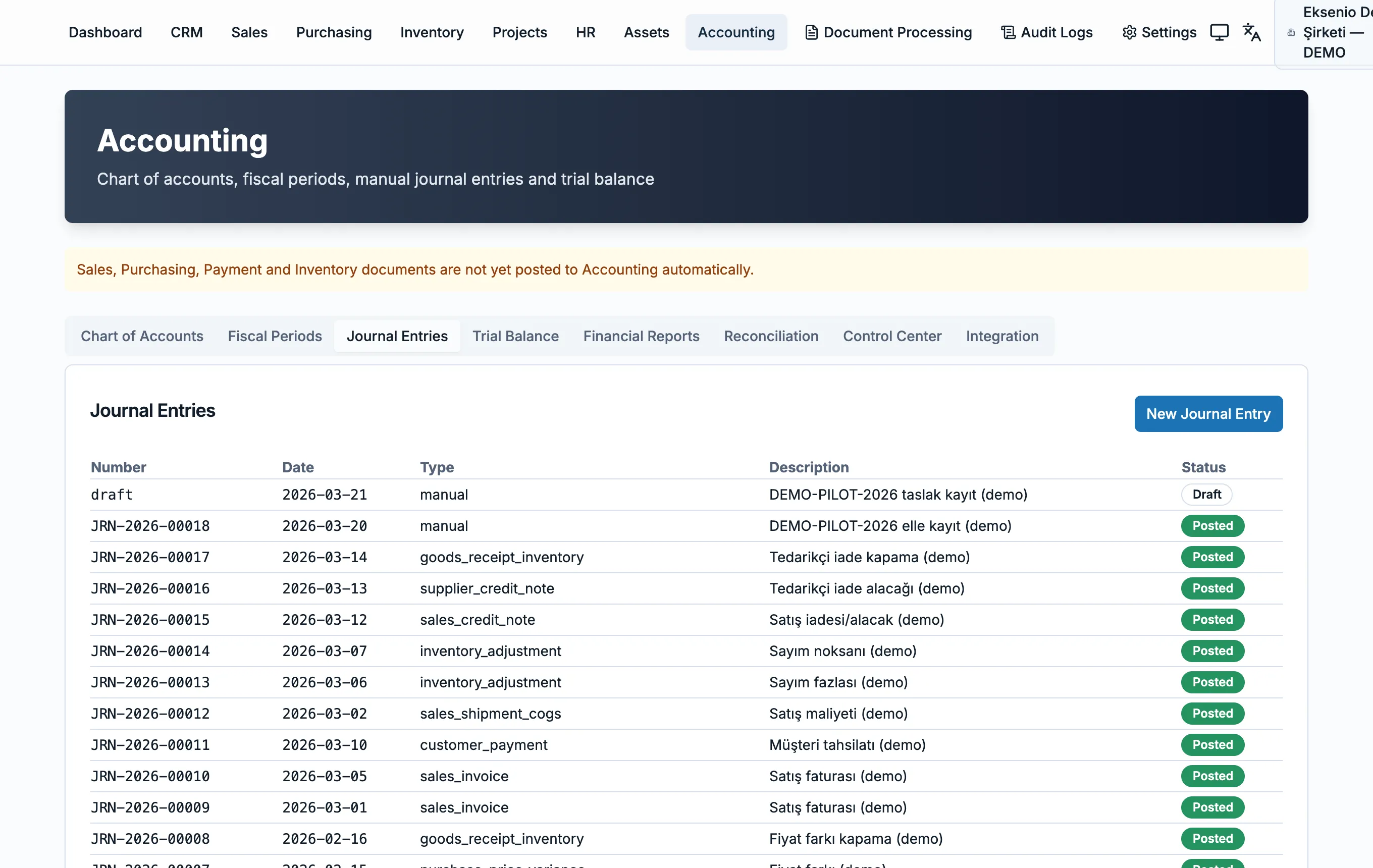
Journals, trial balance and reports
Chart of accounts, fiscal periods and financial reports together.
- • Journal entries are listed by type and status.
- • Chart of accounts, trial balance and financial reports as tabs.
- • A control center keeps entries consistent.
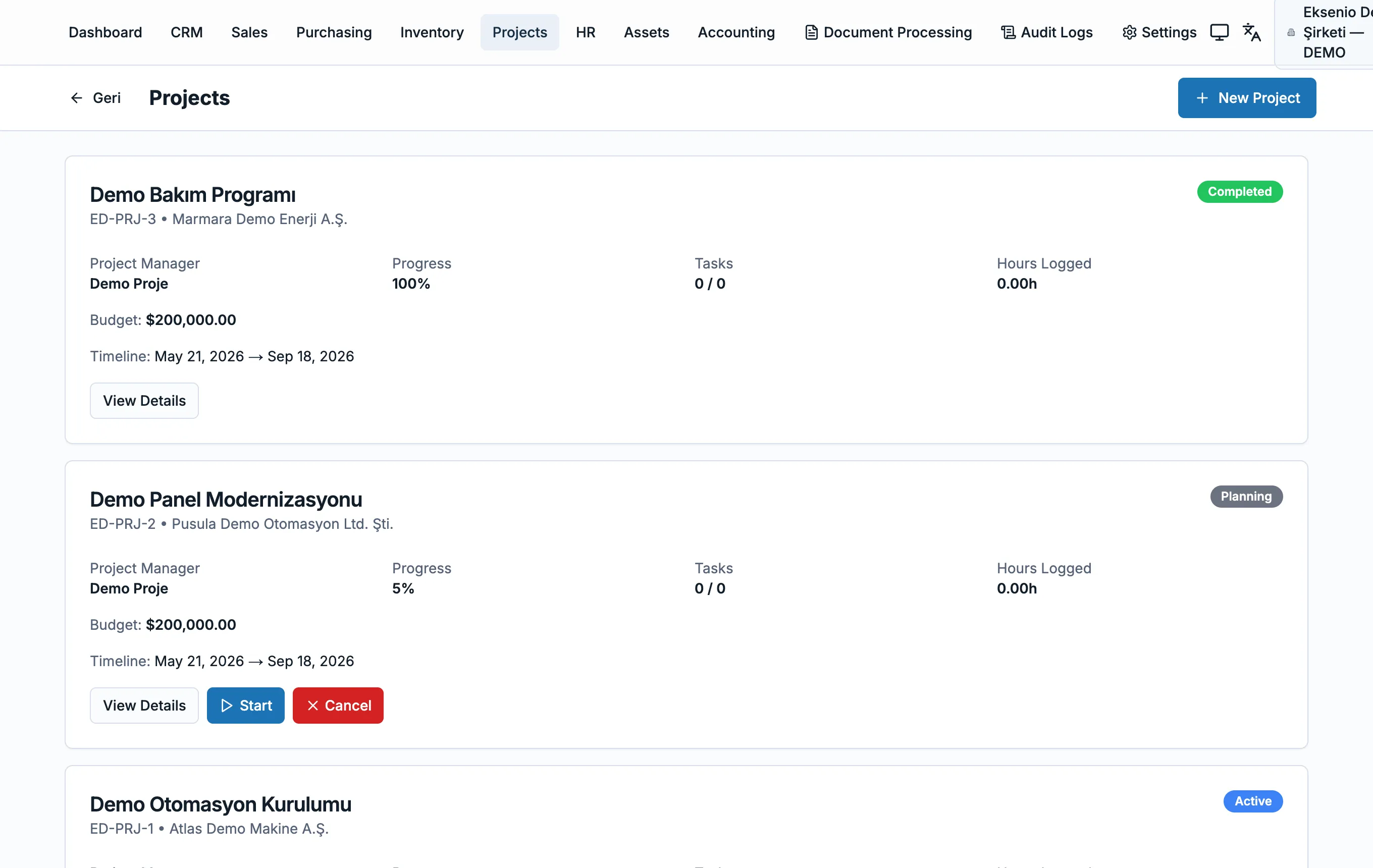
Projects, budget and progress
Manage projects by status, budget and timeline.
- • Every project shows its customer, budget and progress.
- • Planning, active and completed statuses are separated.
- • Tasks and logged hours appear on the project card.
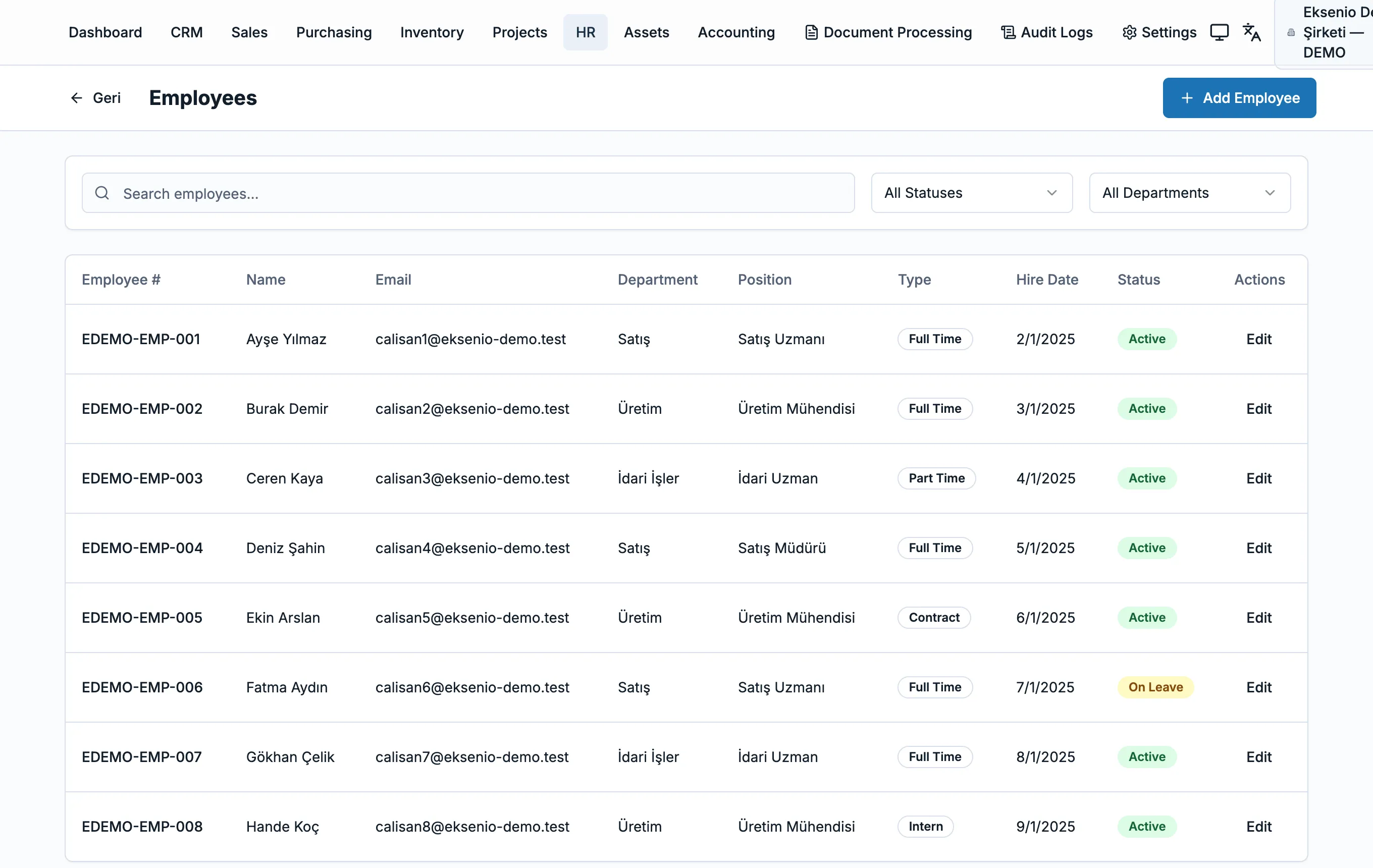
Employee management
Track employees by department, position and status.
- • Employee records filter by department and position.
- • Full-time, part-time and contract types are separated.
- • Start date and status appear in one list.
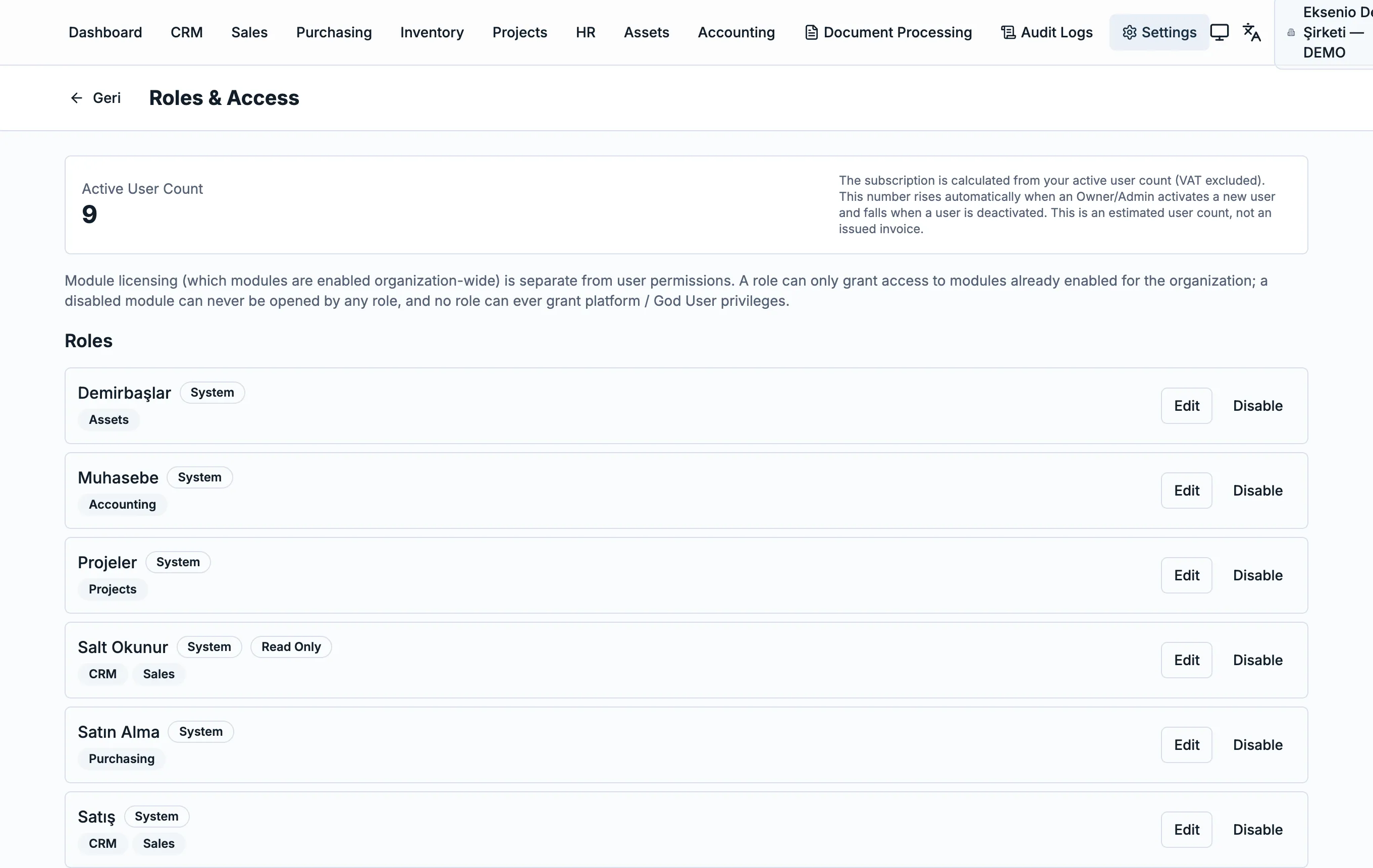
Roles and permission management
Scope user access by role and by the modules enabled for your organization.
- • Active user count is always visible (VAT excluded).
- • Each role can only reach modules enabled for the organization.
- • No role can ever gain platform / God User privileges.
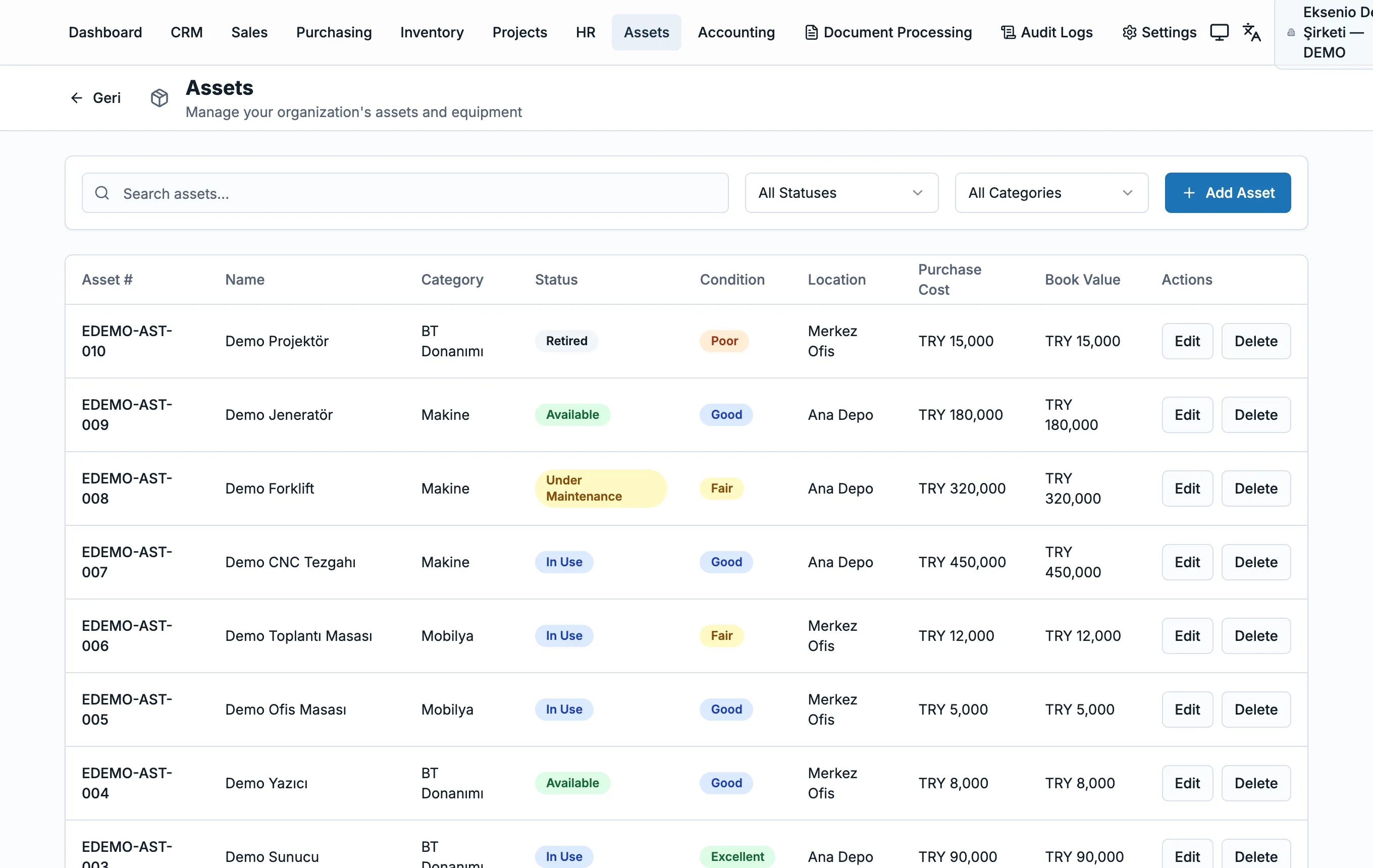
Asset and equipment management
Track assets by status, location and book value.
- • IT equipment, machinery and furniture categories are separated.
- • In-use, under-maintenance and retired statuses are tracked.
- • Acquisition cost and book value appear on every record.